In Blackmagic Camera, turn on Enable Vertical Video. Record 10 seconds. Play it back and confirm it is tall, with clear sound. Holding the phone upright alone may still record landscape.
Before speechOff-speed OFF. Check portrait recording, then lock white balance, exposure and stationary-subject focus.
TAP A TERM TO LEARN IT
180° shutter.
Each frame exposes for half its frame interval. A natural-motion starting point.
Portrait interviews
25 fps → 1/50 sec
Portrait silent B-roll
50 fps → 1/100 sec
50 fps can play at half speed on a 25 fps edit. Use the 50 Hz flicker setting and test LEDs/screens. Change the light or shutter if flicker remains.
EXPOSURE / OUTDOORS
ND controls light.
Add ND to keep 1/50 outdoors without overexposing the face. Remove ND when you need more light.
FIXED f/1.78 AT 1x
The iPhone 17 Pro Max aperture is fixed. You cannot turn it down. ND itself does not create background blur.
For separation: use a distant background, soft light and thoughtful portrait framing. If a variable ND creates an X or colour cast, reduce it or change filtration.
EXPOSURE / ISO
Expose the face.
Use a low practical ISO while keeping the face correctly exposed. Remove ND or add light before accepting noisy shadows. There is no universal low ISO number for every lens/profile.
COLOUR + FOCUS
Set. Check. Lock.
Daylight around 5600 K is a starting point. Check skin and a neutral reference, then lock white balance. Focus on the near eye for a still interview; recheck when the person moves.
03 / PORTRAIT FRAMING
Frame a person. Keep it portrait.
PORTRAIT LIGHT REFERENCE9:16
EVERY TAKE: PORTRAIT 9:16
Lens at eye height.
Mid-chest framing. A little headroom. Keep the phone upright.
Client looks to Langi.
Langi stands just beside the lens. For his own ad lines, Langi looks into the lens.
Leave breathing room.
Keep face, hands and key action away from the edges. Leave space for captions.
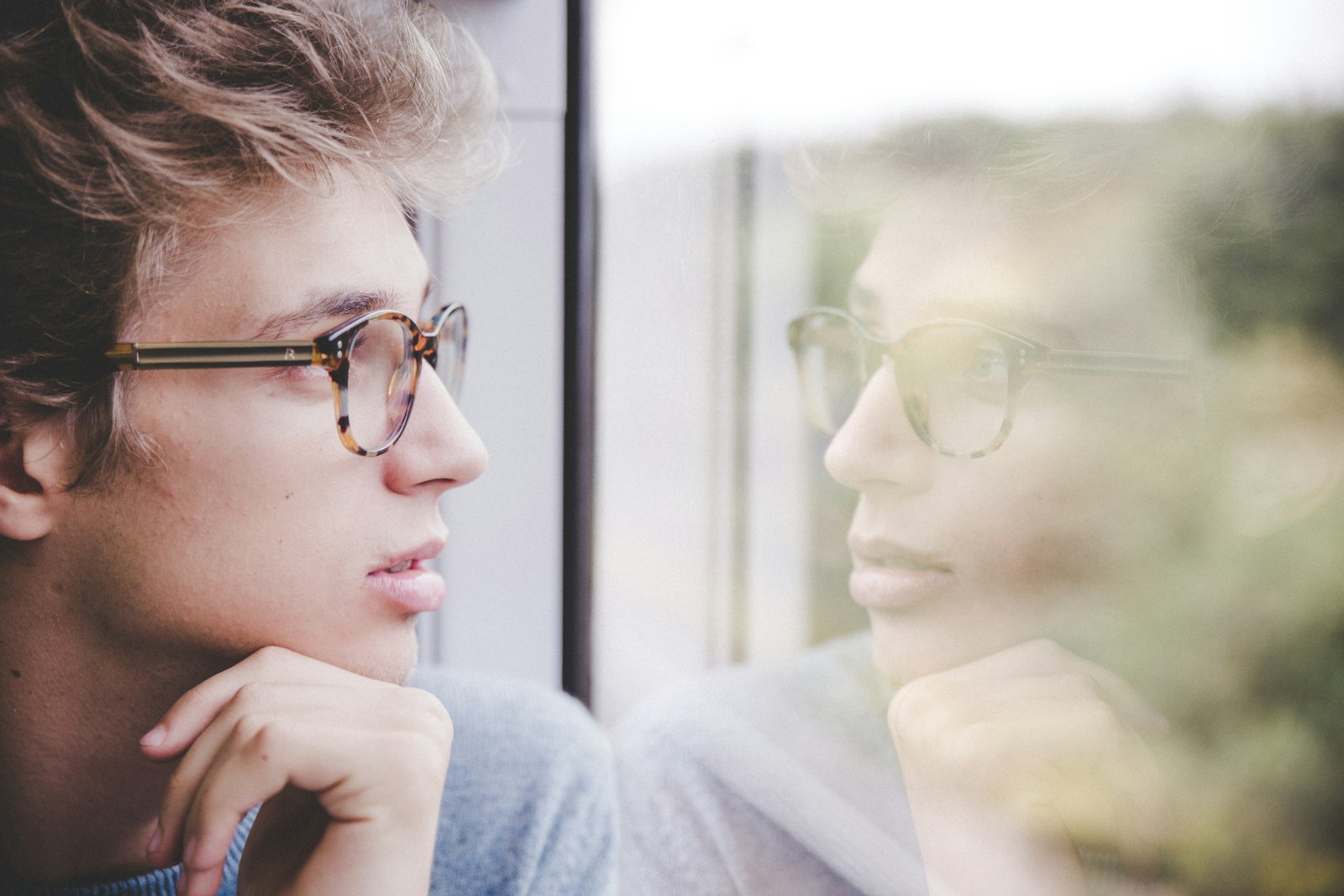
This photo shows light and looking room. Turn your interview subject more toward camera; do not copy the full-profile pose.
What difference, if any, has the new website made, and what would you tell another business considering Acend?
A truthful practical benefit is useful. If they mention more leads or sales, preserve the context and flag the claim for verification before the ad is edited.
Film a genuine walkthrough. A replay can illustrate the work; do not present it as the original meeting or a spontaneous first reaction.
Use a tripod or another operator when Langi joins in. For website footage, capture the phone screen in portrait. Hide notifications and private information.
09 / SOUND FIRST
Hear every word.
VOICE PEAKS
-12 dBFS
Louder words below -6 dBFS. Never 0 / red.
Close mic.
About 15-20 cm below the mouth. Keep hair, fabric and jewellery from rubbing it.
Shelter from wind.
Use a windscreen outdoors. Pause for traffic, aircraft and machines.
Play back the recording.
Confirm the correct mic. Listen with headphones. Meters alone are not enough.
RECORD. PLAY BACK. LISTEN.Then capture 20-30 seconds of room tone without talking. Keep the phone upright for every interview.
10 / LANGI ON CAMERA
Four beats. One clear invitation.
Portrait 9:16. Look into the lens. Record two full takes, then separate opening and closing pickups.
01 / THE PROBLEM
Has your business outgrown its website?
02 / THE RELEVANCE
Your services and work may have moved on. Your website should show that.
03 / THE OFFER
Acend's Full Site brings your services, project gallery and contact details together, from two thousand four hundred and ninety dollars, plus GST.
04 / THE NEXT STEP
Tell us about your website. We'll review your brief and, if it's a fit, invite you to a call.
11 / YOUR SHOOT CHECKLIST
Ready to roll. Ready to leave.
Tick as you go. Saved on this device when browser storage is available.
Add ND or find shade. If filtration cannot cope, a faster shutter is better than clipped footage.
Too dark?
Remove ND. Use 1x, add light or move. Raise ISO enough for the face.
Focus hunts?
Refocus on the near eye and lock for a still subject. Recheck after movement.
Flicker or bands?
Check 25 fps / 1/50, then test another shutter or light. Capture phone screens directly in portrait.
Wind or rustle?
Stop. Shelter or refit the mic, replay a test and repeat the answer.
Heat or storage?
Pause in shade. Check capacity and cables. Never delete the only copy to make room.
REFERENCE LIBRARY
Inspiration. Your own shoot.
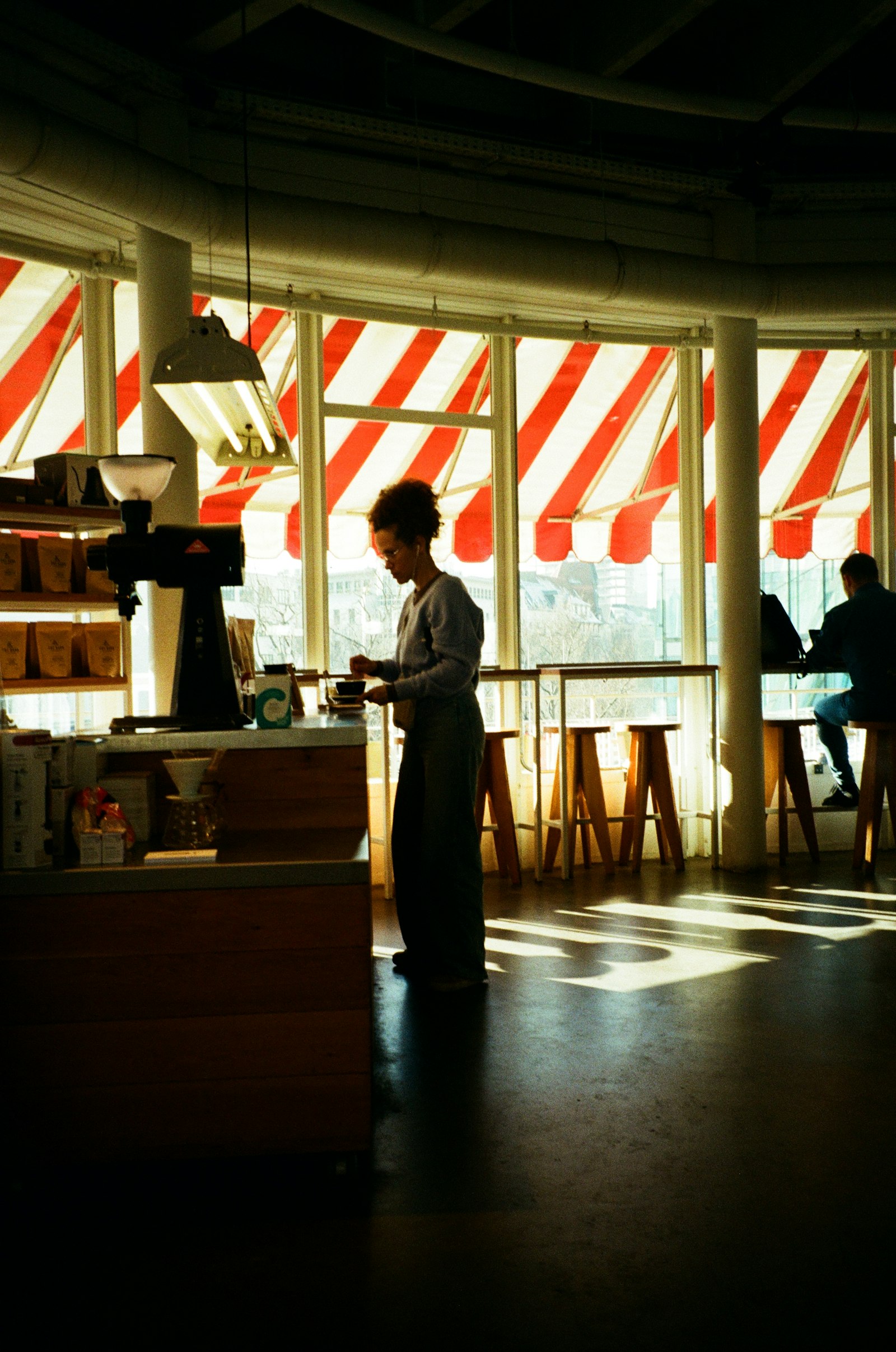
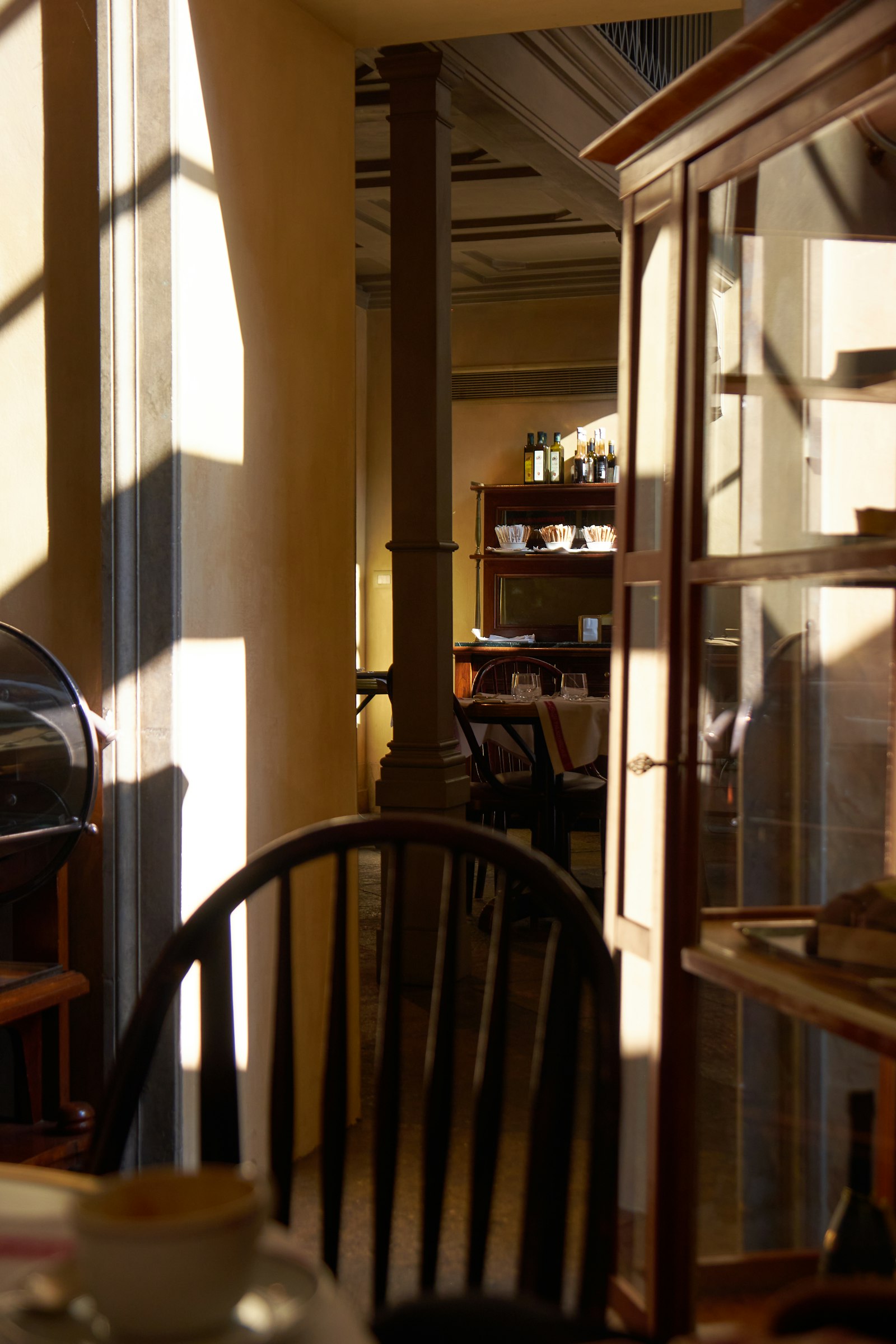
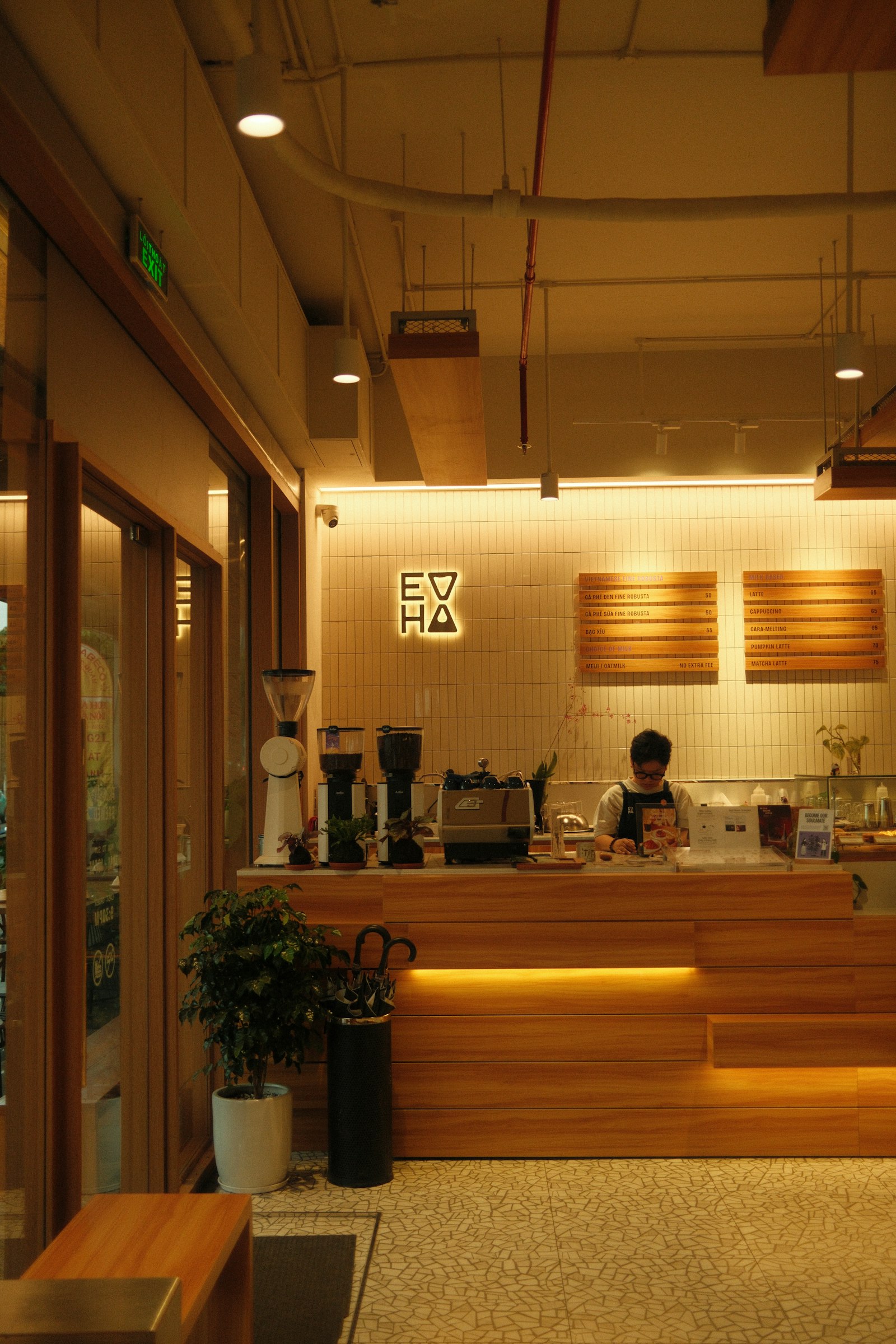
All photos here are reference photography displayed in portrait 9:16. They are not Acend clients or endorsements. Film real clients and real work for the campaign.
Camera facts checked against Apple and Blackmagic. Test the installed app, microphone, light and ND before the shoot. Original supplied Acend logo used without redrawing.